Can Multiple Smartphone Accounts Control Remote Start on the Same Mazda?
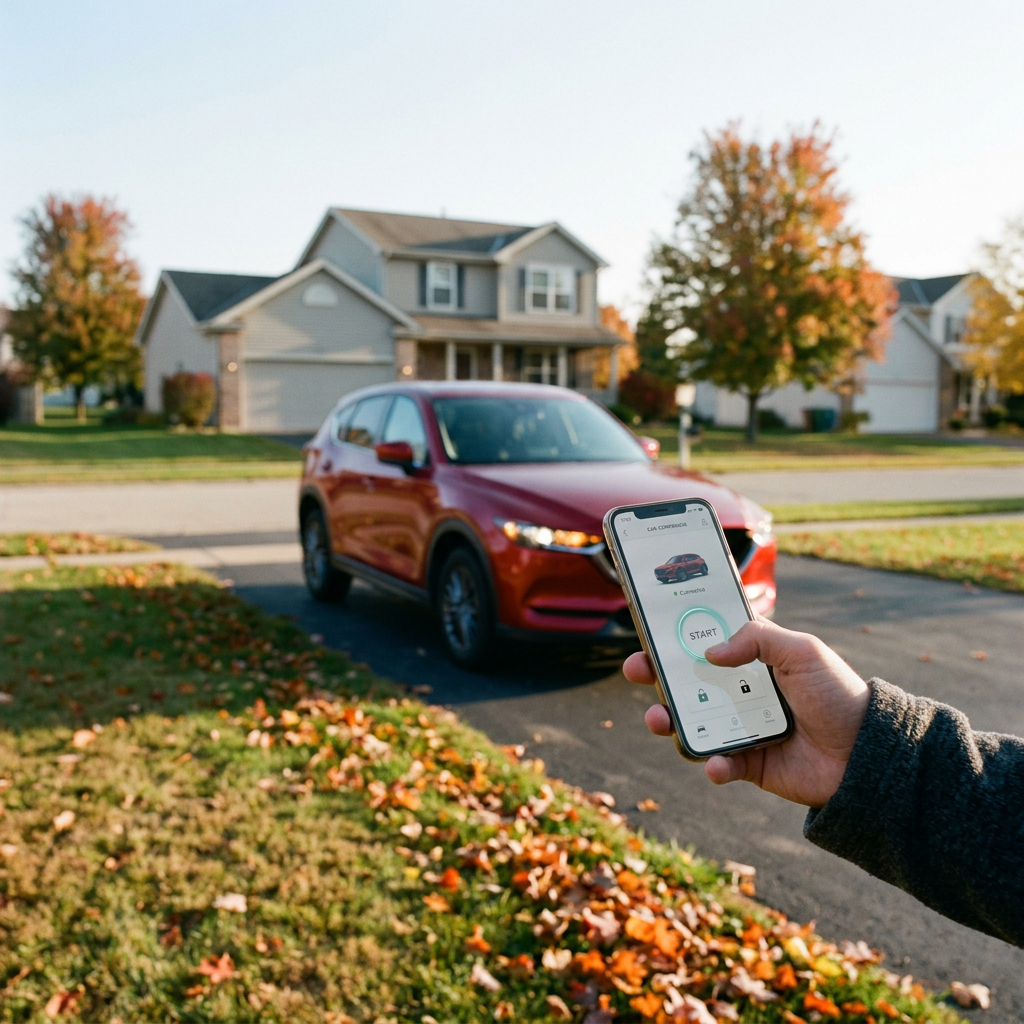
Yes, multiple smartphone accounts can control remote start on the exact same Mazda vehicle. Mazda's Connected Services architecture is specifically engineered with modern suburban households and shared vehicles in mind. The primary MyMazda account holder (typically the vehicle owner or principal leaseholder) can easily grant secondary driver access to family members, partners, or trusted drivers. Alternatively, household members can share primary account login credentials across multiple mobile devices. Once configured, every authorized smartphone user gains independent access to engine ignition, remote climate pre-conditioning, door lock/unlock commands, vehicle status monitoring, and real-time GPS location tracking right from their individual phone.
Whether you are coordinating hectic morning school runs through Plainfield or sharing a vehicle for daily commutes into Chicago, multi-user smartphone integration eliminates the traditional hassle of swapping physical remote engine starter key fobs. Primary account managers retain administrative control, allowing them to add or remove secondary users at any time without needing a trip to the dealership. If you ever need help setting up your connected vehicle app or configuring primary privileges, the team at Hawk Mazda is always here to assist. Feel free to Call us at (779) 260-6502 or visit our showroom on Route 59.
How Does Mazda Remote Start Work Through the MyMazda App?
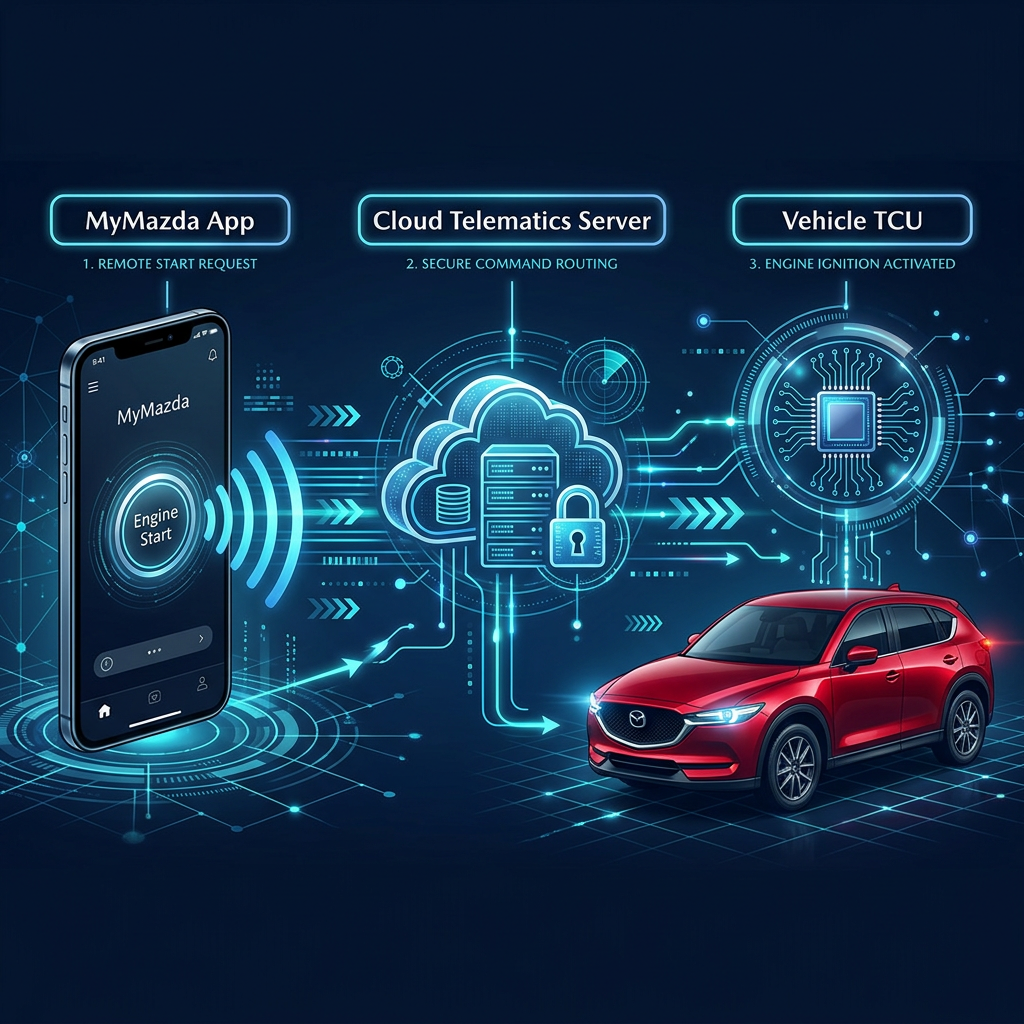
Mazda Remote Engine Start operates through Mazda Connected Services, an advanced telematics network connecting your vehicle to secure cloud servers via an onboard 4G LTE cellular module. Unlike traditional radio-frequency (RF) key fob starters limited by line-of-sight range, the MyMazda app operates over cell networks. This means you can initiate engine start, adjust climate controls, or lock your doors from virtually anywhere—whether sitting in your office in downtown Joliet, sipping coffee at a Plainfield cafe, or waiting at an airport terminal.
When a remote start signal is transmitted from any authorized smartphone, the system authenticates the security token and commands the Engine Control Module (ECM) to start. Simultaneously, automatic climate control systems initialize, activating pre-set cabin heating or defrosting in winter, or max air conditioning during peak summer heat. For safety and efficiency, the engine automatically shuts down after 15 minutes if entry is not detected.
|
Telematics Feature
|
MyMazda Cellular Remote Start
|
Traditional Key Fob Remote Start
|
|
Operating Range
|
Unlimited (Anywhere with 4G LTE signal)
|
300 – 800 Feet (Line-of-Sight)
|
|
Multi-Device Access
|
Up to 5 Smartphone Accounts
|
Limited to physical key fobs
|
|
Climate Sync
|
Automatic heating/cooling & seat temp sync
|
Manual pre-setting required before engine off
|
|
Real-Time Telematics
|
Fuel level, tire pressure, door lock status
|
None (One-way or basic two-way status)
|
|
Security Override
|
Automated engine shut-off upon door unlock
|
Standard key ignition bypass
|
Step-by-Step: Adding Secondary Drivers to Your MyMazda Account
Linking multiple smartphone accounts to your Mazda takes only a few minutes. Follow these instructions to add secondary drivers safely without giving up master account administrative security.
Step 1: Primary Invite
1. Open the MyMazda app on the primary owner's smartphone. 2. Tap the menu icon in the upper right corner and select 'MYMAZDA'. 3. Choose 'Drivers', then tap 'Manage Drivers'. 4. Select 'Add Driver' and enter the secondary driver's registered email address and full name.
Step 2: Acceptance & Setup
1. The secondary driver receives an automated email invitation with a registration link. 2. Have the secondary driver download the MyMazda app on iOS or Android. 3. Create a unique account using the exact email address where the invitation was sent. 4. Log in and accept the pending vehicle sharing invitation.
Step 3: Verification & PIN
1. Set up a secure 4-digit PIN or enable Biometric (Face ID / Fingerprint) authentication. 2. Confirm vehicle status communication on the secondary phone. 3. Test the Remote Engine Start function while standing near the vehicle to verify activation.
What Mazda Models Come Equipped With Standard Remote Start Capability?
Mazda has integrated Connected Services across virtually its entire modern crossover SUV and sedan lineup. Beginning with late 2020 models and continuing across all newer lineups, factory remote engine start is supported out of the box. Drivers looking to explore the newest models can Browse New Mazda Inventory at Hawk Mazda to discover equipped trims.
|
Mazda Model
|
Model Years Included
|
Remote Start System Standard/Available
|
|
Mazda CX-30
|
2020 – Present
|
Standard across all trims via MyMazda App
|
|
Mazda CX-5
|
2021 – Present
|
Standard on Select, Preferred, Premium, Turbo trims
|
|
Mazda CX-50
|
2023 – Present
|
Standard across all trims via MyMazda App
|
|
Mazda CX-90 / PHEV
|
2024 – Present
|
Standard (Includes remote EV climate scheduling)
|
|
Mazda3 Sedan & Hatch
|
2021 – Present
|
Standard on automatic transmission configurations
|
Does Mazda Connected Services Require a Subscription for Remote Start?
Mazda Connected Services uses a subscription-based platform after the initial trial period expires. Because smartphone remote start relies on cellular infrastructure provided by national wireless carriers, telematics maintenance requires an active connection plan.
During the complimentary enrollment period, all App features—including remote start, door unlocking, vehicle status alerts, health reports, and secondary driver access—are 100% free. Following the trial, owners can maintain service through an affordable monthly subscription renewal fee (typically around $10/month depending on regional plan details).
If you decide not to renew Mazda Connected Services after your trial ends, smartphone remote start will deactivate. However, physical vehicle operation, standard keyless entry, and safety hardware remain fully functional. If you prefer long-term remote start without ongoing monthly fees, Hawk Mazda can install an official OEM remote start key fob hardware accessory.
How Long Is the Complimentary Trial for Mazda Connected Services?
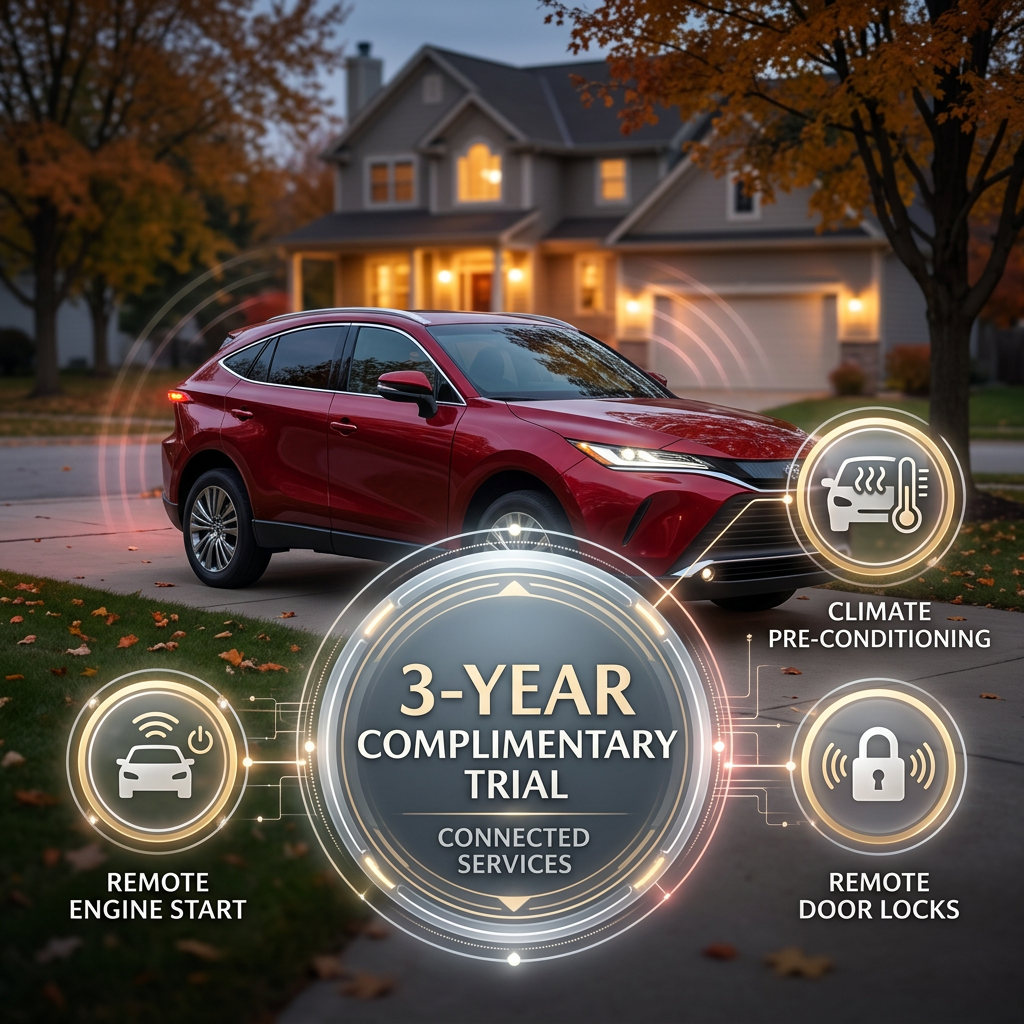
When purchasing or leasing a new Mazda vehicle from Hawk Mazda, buyers receive a generous 3-year complimentary trial of Mazda Connected Services. This multi-year trial period begins on the original vehicle in-service date.
If you purchase a vehicle through our Shop Certified Pre-Owned Mazda program, any remaining duration of the original 3-year trial transfers automatically to you as the new owner! You will receive notification emails as your trial expiration date approaches with step-by-step renewal instructions.
What Should You Do If Mazda Remote Start Fails to Connect?
Occasionally, smartphone remote engine start requests may fail or time out. If your MyMazda app displays an error message or fails to start the engine, follow this practical troubleshooting checklist before calling service.
1. Cellular & Safety Check
• Verify all vehicle doors, trunk, and hood are completely closed and locked. • Ensure vehicle has sufficient fuel (remote start disables if low fuel light is active). • Confirm your phone and car are both in areas with cell coverage.
2. Vehicle State & Battery
• Verify 12V vehicle battery isn't weak (low voltage forces telematics into sleep mode). • Ensure vehicle hasn't been parked idle for over 9 consecutive days without engine start. • Check key fob is not left inside the cabin.
3. App Reset & Service
• Force close the MyMazda app, log out, and re-enter your credentials. • Ensure your smartphone operating system and app are fully updated. • If issues persist, Schedule Your Service Today for a diagnostic check.
What Is the Difference in Cost Between OEM and Aftermarket Remote Start Systems?
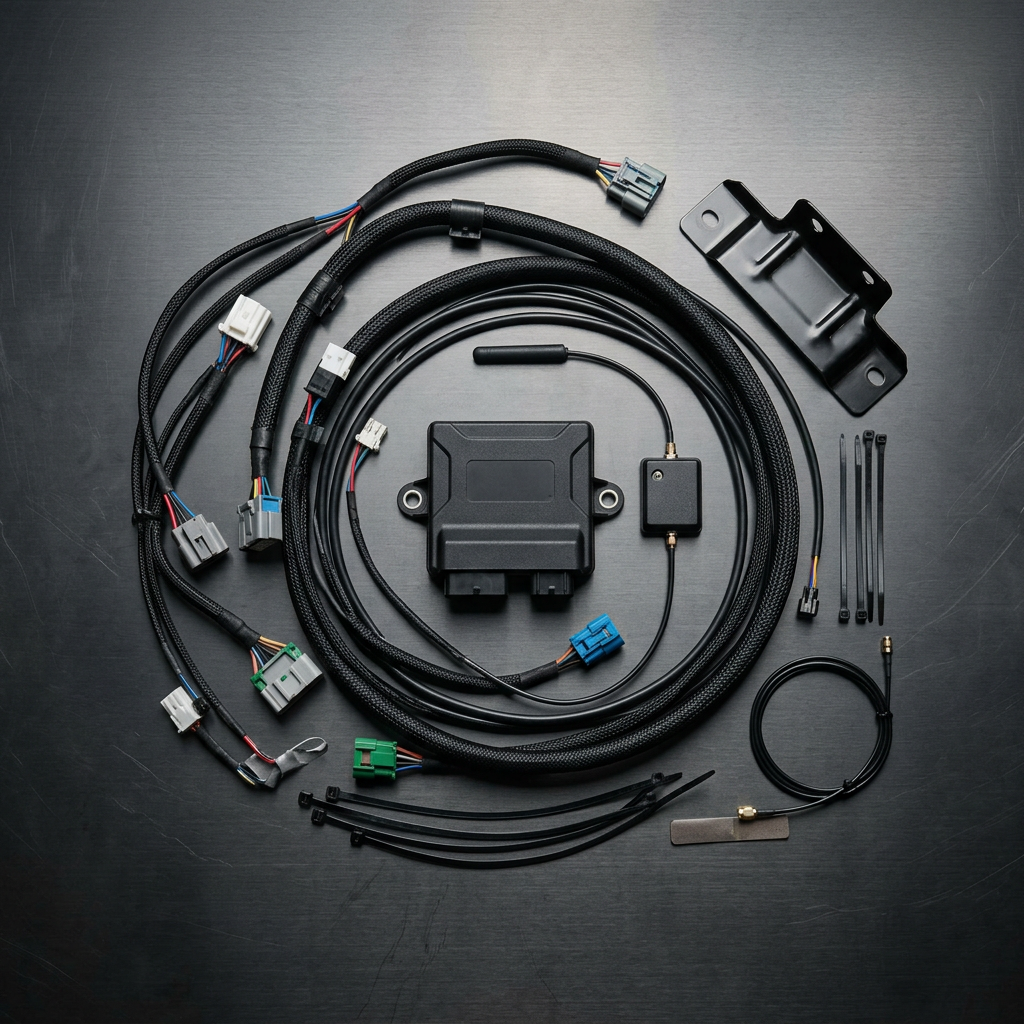
When evaluating remote start solutions, Mazda owners generally choose between factory smartphone telematics (MyMazda), genuine Mazda OEM key fob kits, or third-party aftermarket installations. Installing unapproved third-party aftermarket systems can compromise complex CAN-bus wiring networks and risk voiding factory warranty protections.
For total peace of mind, you can Order Genuine Mazda Parts directly from Hawk Mazda to maintain full factory warranty coverage.
|
Remote Start System Type
|
Equipment & Installation Cost
|
Ongoing Fees
|
Factory Warranty Protection
|
|
MyMazda Smartphone Telematics
|
Included standard on equipped trims
|
3 Years Free ($10/mo post-trial)
|
100% Covered by Factory Warranty
|
|
Genuine Mazda OEM Key Fob Hardware
|
$450 – $750 (Hardware + Labor)
|
$0 (No monthly fees)
|
Fully Warranted (3 Yr / 36k Mi)
|
|
Third-Party Aftermarket Starter
|
$300 – $600 (Varies by shop)
|
Varies ($0 – $15/mo for 3rd party apps)
|
Risk of voiding electrical warranties
|
Why Remote Engine Start Is Essential for Suburban Plainfield Commuters
Living in northern Illinois means navigating harsh seasonal shifts—from freezing sub-zero winter blasts to humid 90-degree summer heatwaves. For residents commuting across Plainfield, Shorewood, Naperville, and Joliet, remote start is far more than a luxury; it is an essential daily comfort tool.
Sub-Zero Winter Warmth
Pre-heat your engine, defrost front windshields, warm side mirrors, and trigger heated seats and steering wheels before stepping outside into frosty Plainfield mornings.
Midwest Summer Cooling
Pre-cool hot cabin upholstery and circulate fresh air during humid July afternoons while your car is parked under direct sunlight in suburban lots.
Engine Health Protection
Allow essential motor oils to achieve optimal operating temperatures before accelerating onto I-55 or Route 59, minimizing engine wear and optimizing fuel efficiency.
Key Safety and Security Protocols for Multi-User Remote Start
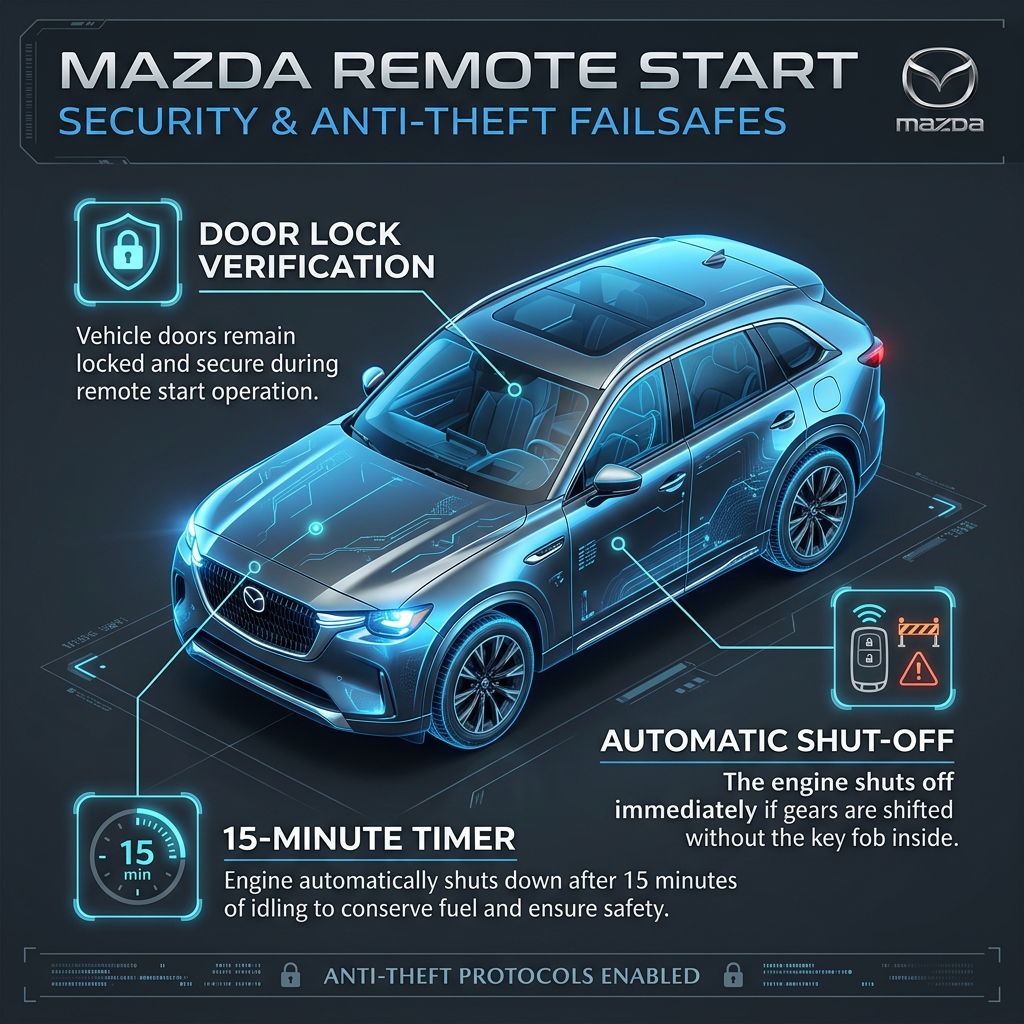
Allowing multiple users to remotely start your car raises valid questions about theft prevention and passenger safety. Mazda engineers built multiple failsafes into Connected Services to guarantee complete security:
• Locked Door Requirement: The remote engine start command will not execute unless all doors and trunk latches are fully locked. • Automatic Engine Shut-Off: If any door is unlocked or opened, or if the brake pedal is depressed without a registered key fob present inside the cabin, the engine immediately shuts down. • 15-Minute Timeout: The engine will automatically turn off after 15 minutes of idling to conserve fuel and prevent carbon monoxide buildup in enclosed spaces.
If you're thinking about upgrading to a newer Mazda vehicle with these advanced safety telematics features, you can Get Your Trade-In Value online today in minutes.
Managing Connected Devices and Transferring Ownership
When selling your vehicle, trading it in at Hawk Mazda, or changing shared access privileges, it is essential to manage connected accounts properly to safeguard personal data.
Revoking Secondary Access
Primary owners can instantly revoke app access for any secondary driver. Navigate to 'Manage Drivers' in your MyMazda app, swipe on the target profile, and tap 'Delete'. Access is revoked instantly.
Factory Master Reset
Prior to selling or trading in your car, perform a master reset through the Mazda Connect central infotainment display (Settings > System > Master Reset) to wipe stored profiles and paired bluetooth phones.
Primary Transfer
The new vehicle buyer can scan the VIN plate using their own MyMazda app. Re-registering the vehicle automatically unlinks all previous primary and secondary account authorizations.
Get Expert Mazda Technology Support at Hawk Mazda in Plainfield
Technology should simplify your driving experience, not add stress. At Hawk Mazda, our certified technology specialists are always available to help you pair smartphones, configure MyMazda secondary driver accounts, or install genuine OEM accessories. Whether you are exploring options to Apply For Financing Now on a new Mazda or searching for high-quality pre-owned vehicles, our team delivers transparent, friendly support.